Appearance
Step 1 — Create a Stremio Account
A Stremio account is required before running the Bootstrapper. It syncs your addon configuration, watchlist, and watch history across all devices.
Install the app later
The Stremio app installation is covered in Step 5. For now, only an account is needed.
Register
Go to stremio.com/register
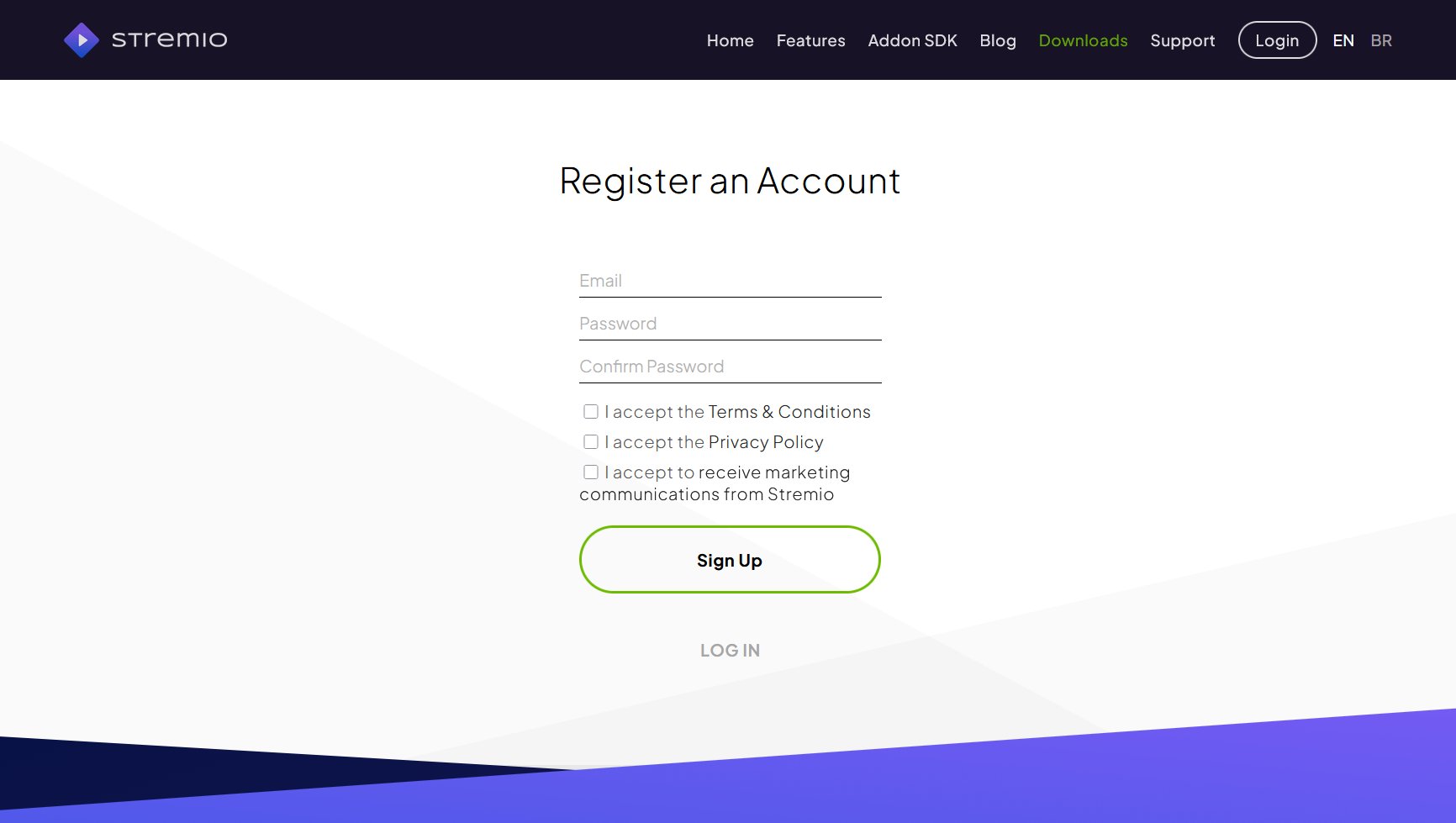
Fill in the form:
- Email — the address you want associated with your account
- Password and Confirm Password
- Check I accept the Terms & Conditions and I accept the Privacy Policy
- The marketing communications checkbox is optional
- Click Sign Up
Check your inbox and verify your email address via the confirmation link before proceeding.
Notes
Account sync. The Bootstrapper authenticates with your Stremio account via the browser and pushes addon configuration to it. When you subsequently log into the Stremio app on any device, that configuration is already present.
No paid tier. Stremio accounts are free. There is no premium Stremio subscription — the cost in this setup is the TorBox subscription only.
Do not configure addons yet. The Bootstrapper will overwrite any existing addon configuration. There is no benefit to setting up addons manually before running it.